Apple Tutorials & Training Videos
Welcome — you’ve just landed in your go-to hub for mastering your Apple devices.
Here you’ll find a growing collection of easy-to-follow tech tutorials, including full-length guides and quick YouTube Shorts covering everything from Mac and iPhone tips to iCloud setup, Apple Photos organization, and helpful everyday features across the Apple ecosystem. Each post includes the embedded YouTube video along with the same description you’ll find on my Learn with Joel channel, so everything is simple and familiar as you explore.
Whether you’re troubleshooting an issue, setting up a new device, or just looking to get more out of your Apple gear, this page keeps all my Apple training videos in one place — organized, accessible, and ready when you are.
Let’s dive in and make your tech work for you.
Search below for helpful Apple Tips & Tutorials
Browse All Tutorials

A Beginner’s Guide to iPhone Camera Photo Mode
A beginner-friendly guide to using Photo mode on the iPhone camera, covering flash, Night mode, Live Photos, exposure, focus, filters, and more.

Understanding Portrait Mode on the iPhone Camera
A beginner-friendly guide explaining how iPhone Portrait mode works, including lighting effects, depth control, supported models, and editing options.

Getting Started with Generators in Final Cut Pro
A beginner-friendly guide to using Generators in Final Cut Pro, showing how to customize backgrounds, textures, and overlays using built-in tools.

Getting Started with Video and Audio Effects in Final Cut Pro
A beginner’s guide to using built-in video and audio effects in Final Cut Pro, showing where to find them and how to customize them effectively.

Quick and Easy Audio Adjustments in Final Cut Pro for Beginners
A beginner-friendly guide to fast audio adjustments in Final Cut Pro, including fades, range selection, and keyframe control.

Understanding iCloud Syncing Across Your Apple Devices
A beginner-friendly explanation of how iCloud syncing works, how to sign into iCloud on your devices, and how Apple keeps your data connected across iPhone, iPad, and Mac.

Understanding How iCloud Photos Syncs Across Apple Devices
An in-depth explanation of how iCloud Photos works, how it syncs across Apple devices, and what settings control your photo library.

How to Create a Free Apple ID the Right Way (iCloud Email or Existing Email)
A step-by-step beginner guide explaining how to create a free Apple ID using Apple’s website, a Mac, or an iPhone or iPad — including iCloud email options.

Creating Your First Project in Final Cut Pro X (Beginner Quick Tip)
A beginner-friendly quick tip showing how to create a new project in Final Cut Pro X, choose the right library, and match project settings to your footage.

Getting Started with Transitions in Final Cut Pro X for Beginners
A beginner-friendly guide showing how to add and customize transitions in Final Cut Pro X, including previews, duration changes, and workflow tips.

Getting Organized in Final Cut Pro: Understanding and Creating Libraries
A simple guide to creating and managing Final Cut Pro X libraries, including storage settings, color options, and moving libraries between drives.

Understanding the Browser in Final Cut Pro X: Viewing and Organizing Your Clips
The Browser in Final Cut Pro X is the key to organizing your media. Learn how to view clips, use ratings, keywords, and filters, and work more efficiently.

Understanding Final Cut Pro X Libraries and Events: Where Your Video Files Are Stored
Final Cut Pro X libraries control where your media lives. Learn how libraries, events, render files, and import settings affect storage and organization.

Getting Started with Final Cut Pro X: A Beginner’s Guide to Your First Video
New to Final Cut Pro X? This beginner guide walks through the interface, organization, editing basics, and exporting your first finished video.
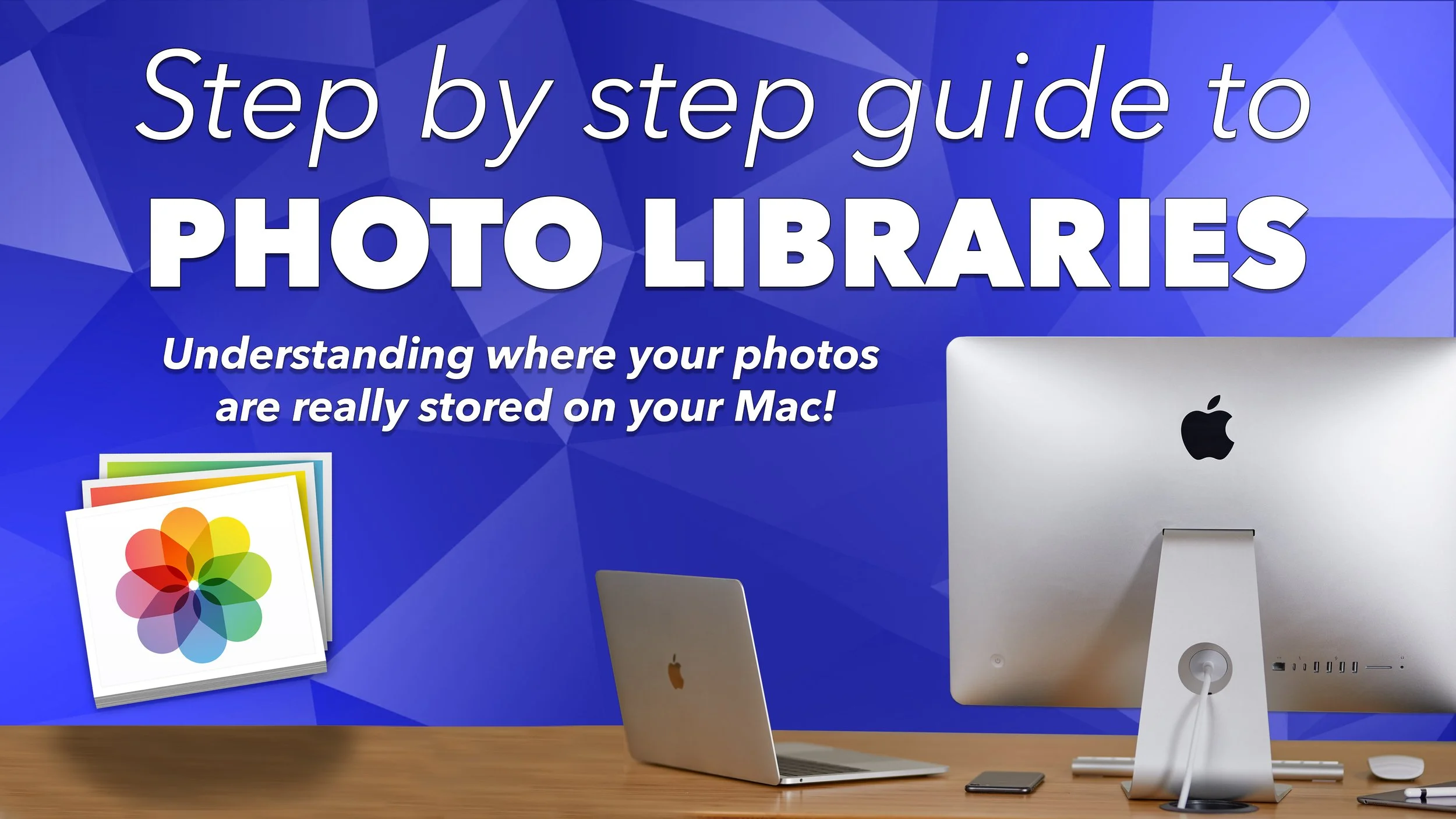
Where Are My Photos Stored on a Mac? Understanding Photos Libraries
Your photos don’t live inside the Photos app. Learn how Photos Libraries work, where your pictures are stored, and how to move them without losing anything.

Getting Started with Finder on Mac: The Key to Finding and Organizing Your Files
Finder is the most important app on your Mac. Learn how to use it to find files, customize views, and understand where your data lives.

Setting Up a New Mac for the First Time: What to Expect and How to Get Started
New to Mac? This guide walks through the macOS setup process, creating a user account, and understanding the Dock, menu bar, and Finder.

How to Use Places in Apple Photos on Your Mac
Discover how Apple Photos uses GPS data to organize pictures by location and how to explore your photo library using the Places map.

How to View More Photo Metadata on Your Mac Using Built-In Apps
Apple Photos shows basic metadata, but macOS includes built-in tools that reveal more. Learn how to view detailed photo metadata using Preview without installing pro software.

Getting Started with the People Album in Apple Photos on Mac
The People album in Apple Photos helps you organize pictures by the people in them. Learn how face recognition works and how to improve accuracy on a Mac.