
Apple Tutorials & Training Videos
Welcome — you’ve just landed in your go-to hub for mastering your Apple devices.
Here you’ll find a growing collection of easy-to-follow tech tutorials, including full-length guides and quick YouTube Shorts covering everything from Mac and iPhone tips to iCloud setup, Apple Photos organization, and helpful everyday features across the Apple ecosystem. Each post includes the embedded YouTube video along with the same description you’ll find on my Learn with Joel channel, so everything is simple and familiar as you explore.
Whether you’re troubleshooting an issue, setting up a new device, or just looking to get more out of your Apple gear, this page keeps all my Apple training videos in one place — organized, accessible, and ready when you are.
Let’s dive in and make your tech work for you.
Search below for helpful Apple Tips & Tutorials
Browse All Tutorials
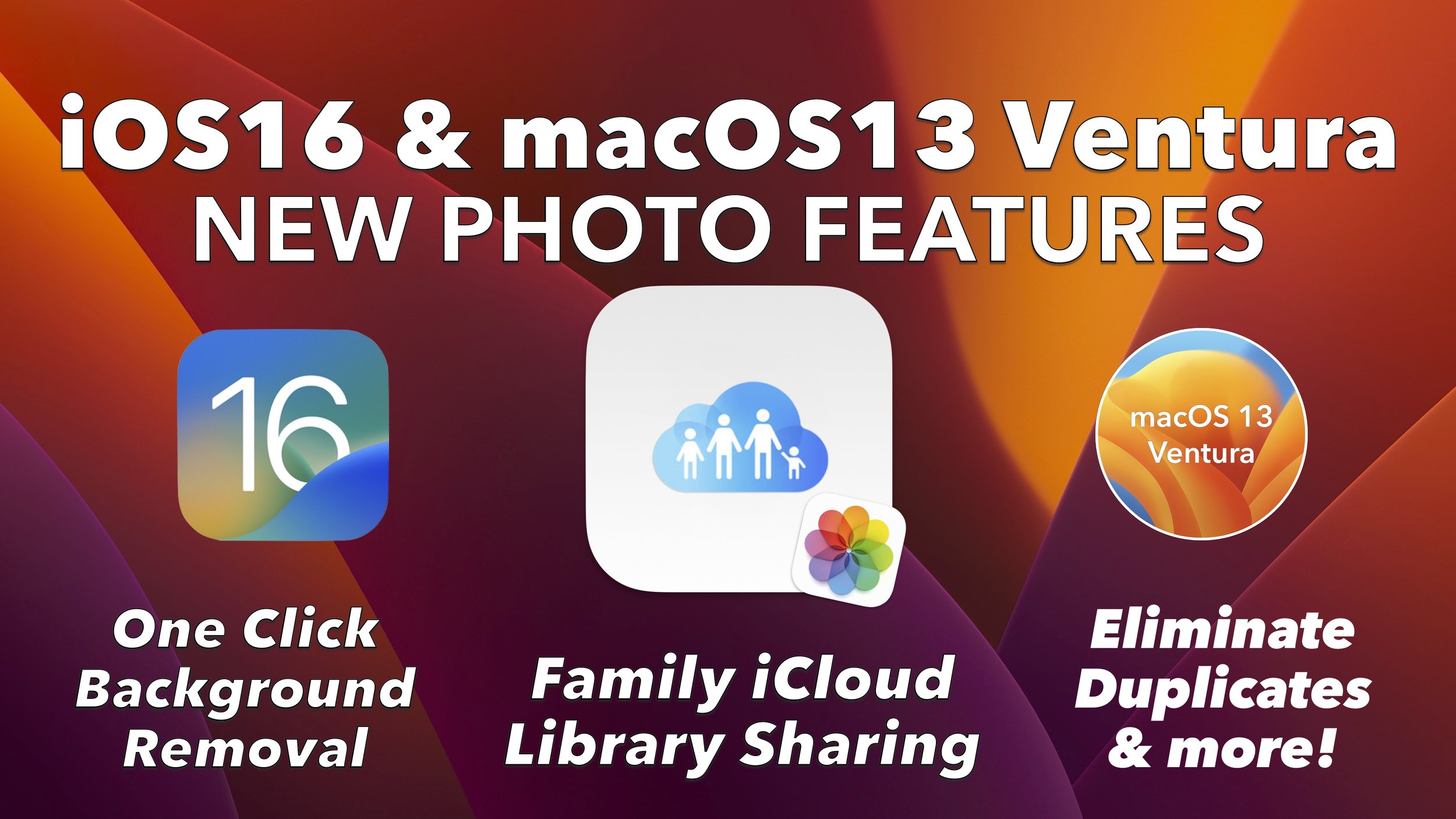
New Apple Photos iCloud Features in iOS 16 & macOS Ventura Explained
Apple Photos gets major upgrades in iOS 16 and macOS Ventura, including shared libraries, duplicate merging, background removal, and smarter iCloud syncing.
iCloud vs Google Photos vs Microsoft OneDrive: How Photo Syncing Really Works
A clear comparison of iCloud Photos, Google Photos, and Microsoft OneDrive — including syncing behavior, deletions, pricing, and Mac integration.

How iCloud Keychain Manages Passwords on iPhone, iPad, and Mac
A complete guide to using iCloud Keychain to manage passwords, verification codes, and Hide My Email across Apple devices.

How to Create Movie Slideshows in Apple Photos on Your Mac
A complete guide to creating photo and video slideshows in Apple Photos on Mac, including themes, exports, and advanced editing tips.

Welcome to Learn with Joel
Learn with Joel is a home for easy-to-follow Apple tutorials designed for everyday users who want technology to make sense.

How to Properly Backup iCloud Photos on Mac, iPhone, and iPad
A complete guide to backing up iCloud Photos, explaining sync vs backup and showing reliable options for Mac, iPhone, and iPad users.

Understanding Apple’s Files App and Organizing Documents in iCloud Drive
A complete guide to Apple’s Files app, showing how to organize documents in iCloud Drive, recover files, and use external storage on iPhone and iPad.

How iCloud Drive Works Across Mac, iPhone, and iPad
A complete explanation of how iCloud Drive works across Apple devices, including syncing, sharing, file recovery, and Desktop & Documents behavior.
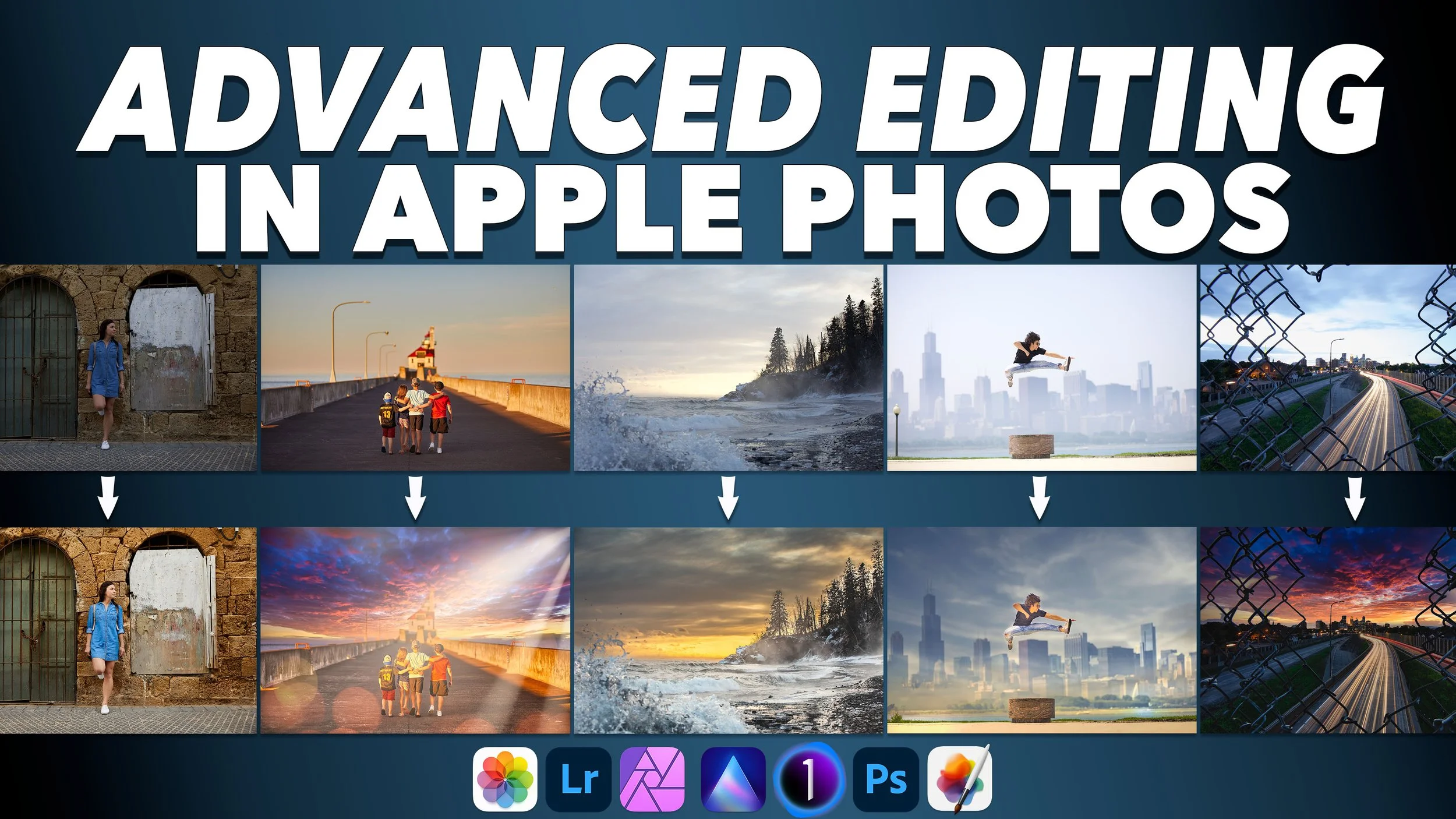
Advanced Editing in Apple Photos: Extensions, Brushes, and Pro Tools Explained
Explore advanced photo editing beyond Apple Photos, including extensions, brushes, masking, and professional tools like Lightroom and Capture One.

How to Customize Folder and External Drive Icons on Your Mac
A step-by-step guide to customizing folder and external hard drive icons on macOS using Preview and transparent images.

How to Merge Apple Photos Libraries in macOS Monterey
macOS Monterey adds a built-in way to merge Apple Photos libraries. Learn how it works, its limitations, and what to watch out for.

How to Back Up Your Mac with Apple Time Machine (Complete 2021 Guide)
A complete, step-by-step guide to backing up your Mac using Apple Time Machine — including restores, snapshots, encryption, NAS backups, and migration to a new Mac.

How to Format a New External Hard Drive on Your Mac
Formatting a new external hard drive on Mac is essential. Learn how to use Disk Utility and choose the right file format.

What's NEW in Apple iOS15? - In-Depth look at 10 NEW features in iOS 15 compared to iOS 14!
Apple’s iOS 15 update introduced smarter notifications, powerful photo tools, FaceTime links, and new privacy features. Here’s a breakdown of the 10 most important changes compared to iOS 14.

iCloud Backups Explained: What’s Backed Up, What’s Not, and Why It Matters
iCloud Backup doesn’t save everything. Learn what’s actually backed up, why photos may be missing, and how to protect your iPhone and iPad data properly.

How to Add Text to Photos on iPhone, iPad, and Mac Using Apple’s Built-In Tools
Learn how to add text, shapes, and annotations to photos using Apple’s built-in Markup tools on iPhone, iPad, and Mac — no extra apps required.

How to Stop Using iCloud (Safely) — What Syncing Really Means on Apple Devices
Confused by iCloud syncing? Learn what iCloud actually does and how to safely turn it off without losing your photos or files.

How to Back Up Your iPhone or iPad: iTunes, Finder, and iCloud Explained
Learn how to back up your iPhone or iPad using iTunes, Finder, or iCloud — and choose the best method to protect your data.
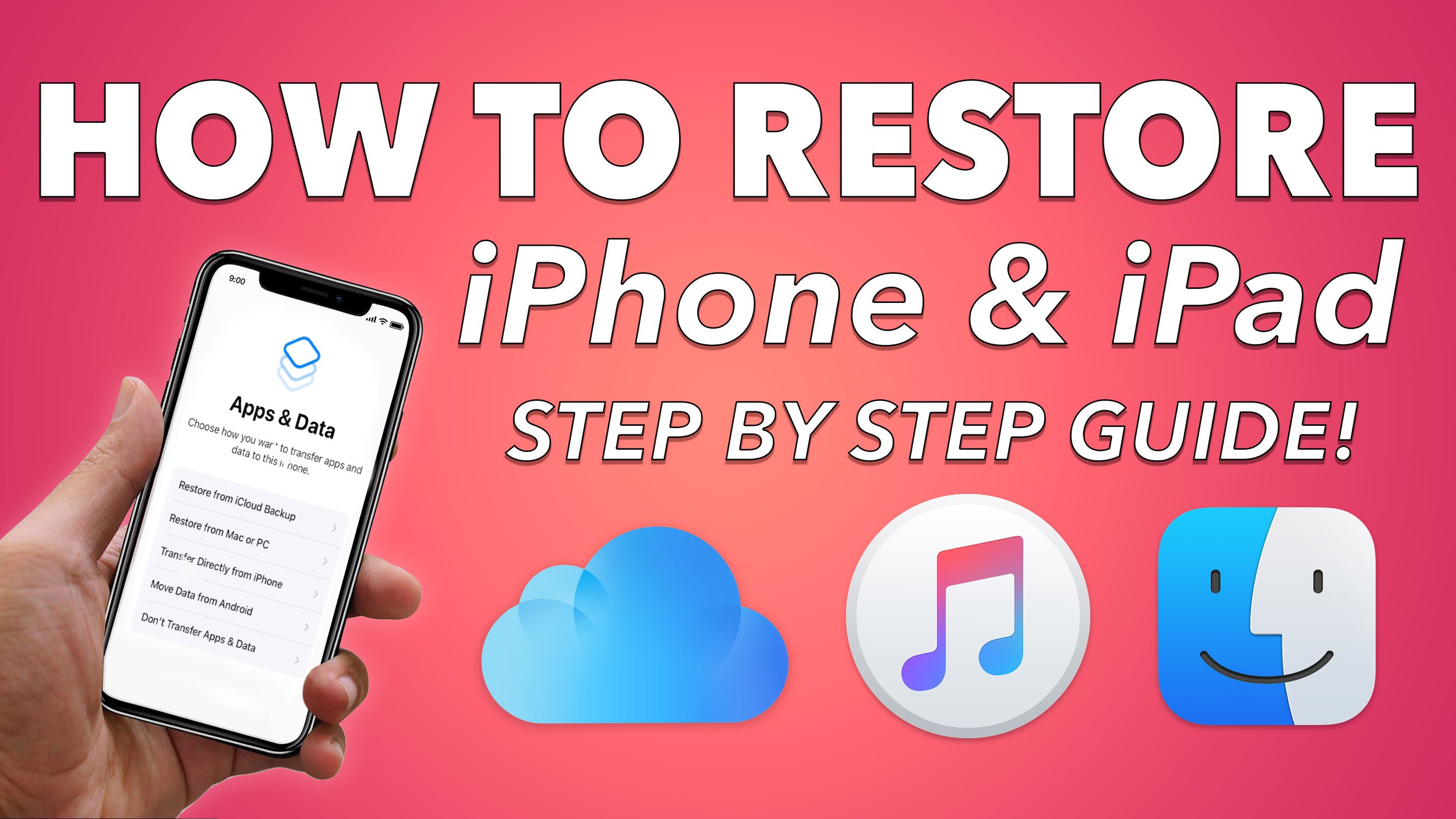
How to Restore an iPhone or iPad from a Backup (iTunes, Finder, iCloud & Quick Start)
A complete guide to restoring an iPhone or iPad from a previous backup using iTunes, Finder, iCloud Backup, Quick Start, or Android.

Why Sharing Your Creative Work Matters More Than Perfection
Sharing creative work builds confidence, momentum, and skill. This post explores why putting your work out there matters — even when it’s imperfect.