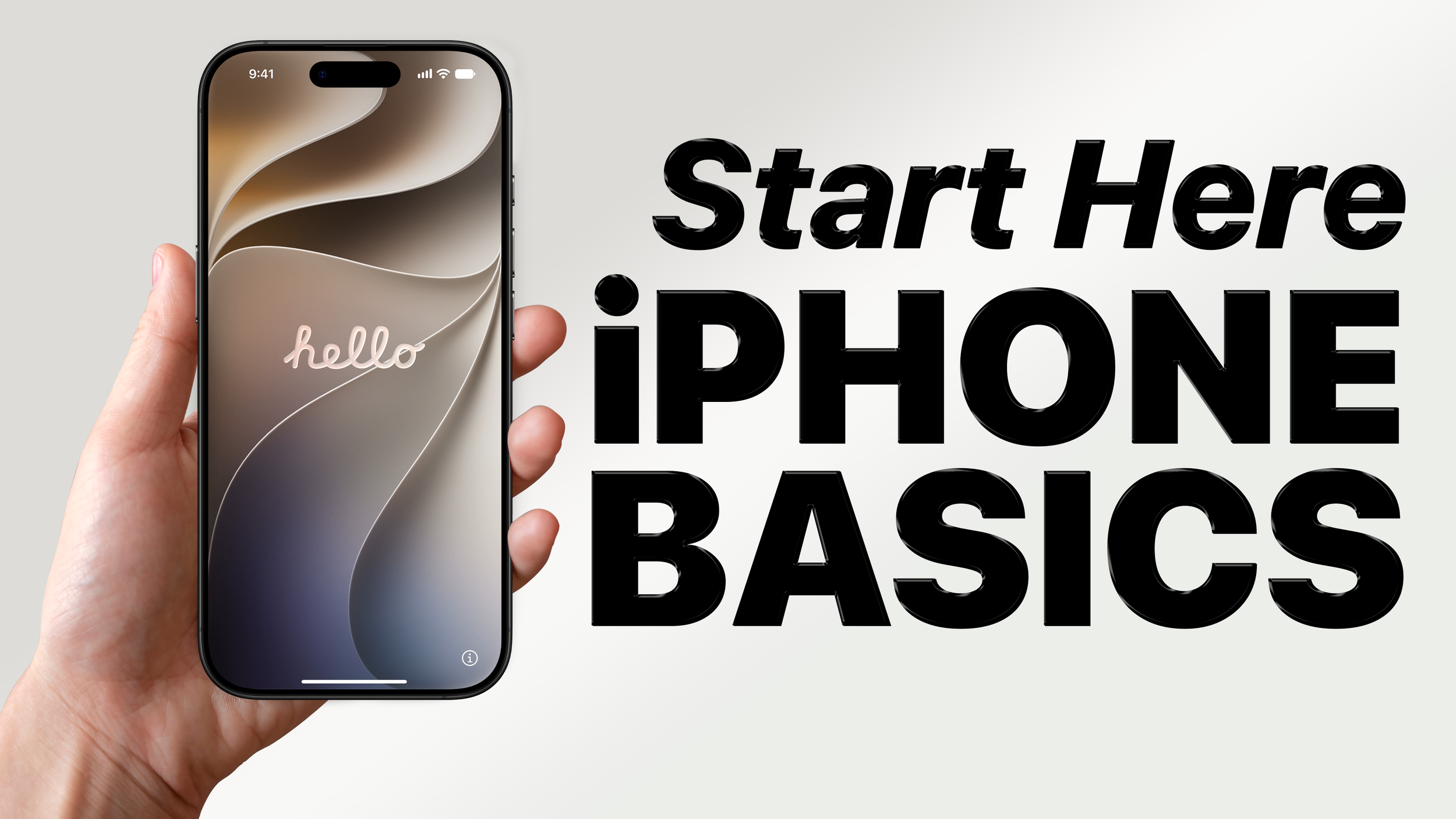
New to the iPhone, or feel like you're only scratching the surface of what it can do? This beginner-friendly class will help you become more comfortable navigating and using your iPhone. Learn how to use the Home Screen, Control Center, notifications, and the Settings app. We'll also explore everyday essentials like Wi-Fi, Bluetooth, managing apps, and adjusting settings to make your iPhone easier to use. Bring your iPhone and follow along as we build confidence with the basics.
Topics Covered: Home Screen, navigation, Control Center, Settings, notifications, Wi-Fi, Bluetooth, apps, and accessibility basics.