Apple Markup Tool Palette: The Complete Visual Guide for iPhone, iPad, and Mac
Apple’s Markup tools are built into iPhone, iPad, and Mac — yet many powerful features go unnoticed.
This page is your complete visual reference for the Apple Markup Tool Palette, showing what each tool does, where it appears, and how it differs across devices.
Whether you’re annotating screenshots, signing documents, sketching ideas, or highlighting PDFs, this guide gives you a clear, device-agnostic overview — with a free downloadable cheat sheet you can keep handy.

What Is Apple Markup?
Markup is a built-in annotation tool found in multiple apps among iPhone, iPad and Macs. Often found in Notes, Photos, Preview and other applications, Markup allows you access to items for drawing, creating shapes, adding signatures and more.
Writing & Drawing Tools
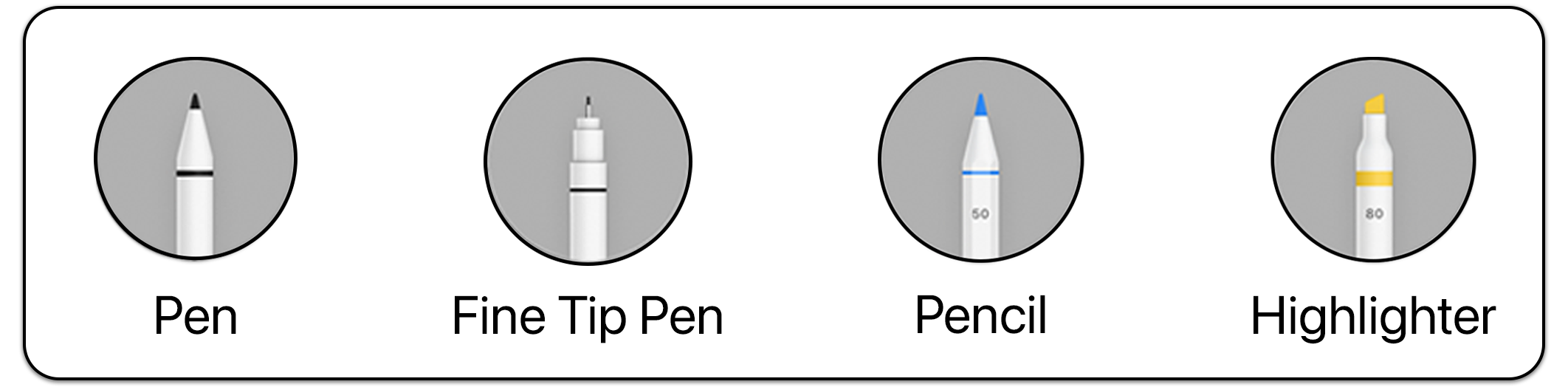
These digital tools are designed to be equivalent to your every Bic pen or good ol’ fashioned pencil.
Pen - Like your traditional Bic pen
Fine Tip Pen - Fine tip sharpie marker
Pencil - Good ol’ fashioned #2
Highlighter - Anyone else used to take these apart and put in water for making their own Lava Lamp? Oh, ok…just me.
Expressive & Creative Tools
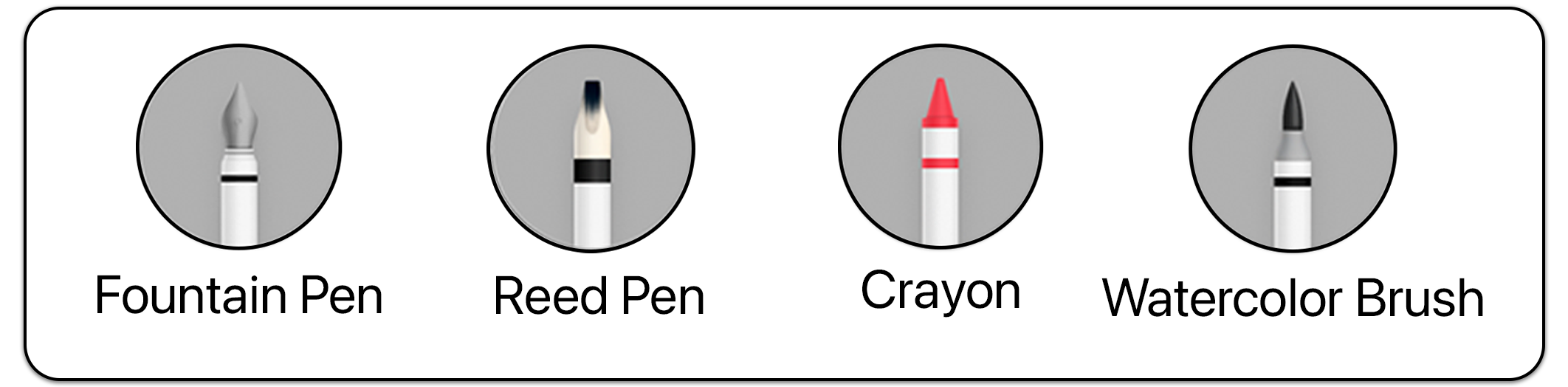
These tools emphasize style and expression rather than precision.
Fountain Pen
Reed Pen
Crayon
Watercolor Brush
Editing & Control Tools
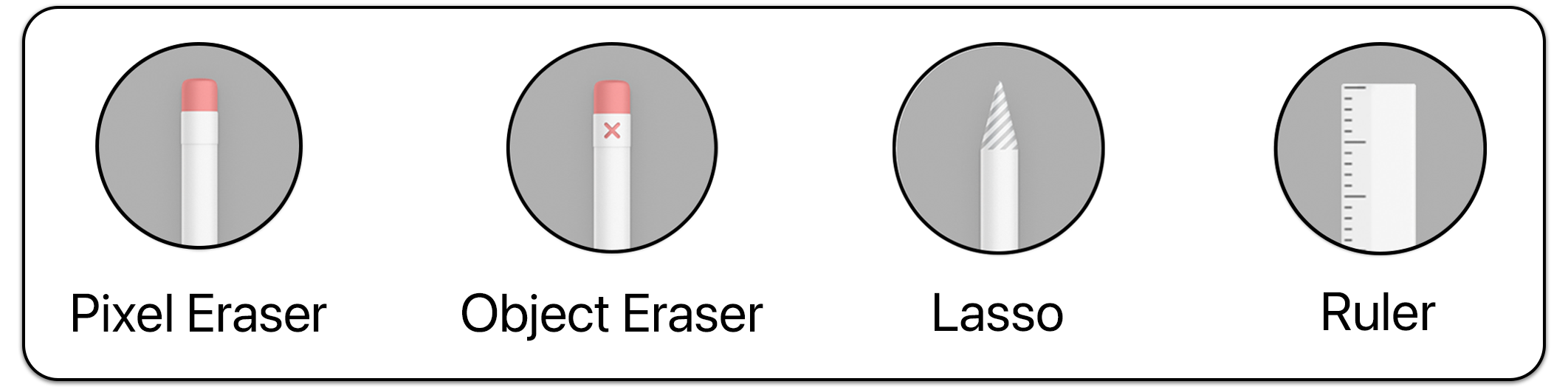
Pixel Eraser - Works just like a regular eraser. Will remove anything in it’s path
Object Eraser - Will eraser all whole objects with a single touch
Lasso - Circle or draw a line through an object to select
Ruler - Use to fingers to rotate and one finger to move around the screen
Smart & AI-Assisted Features
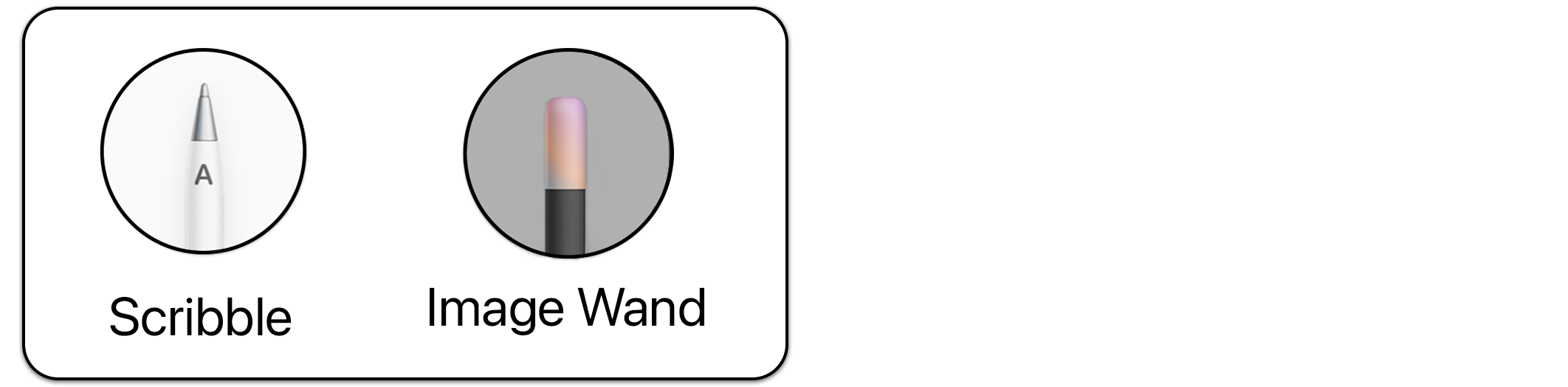
Scribble - Only works with Apple Pencil
Image Wand - Typically found in Notes on supported iPhones & iPads
These features depend on device, Apple Pencil support, and Apple Intelligence availability.
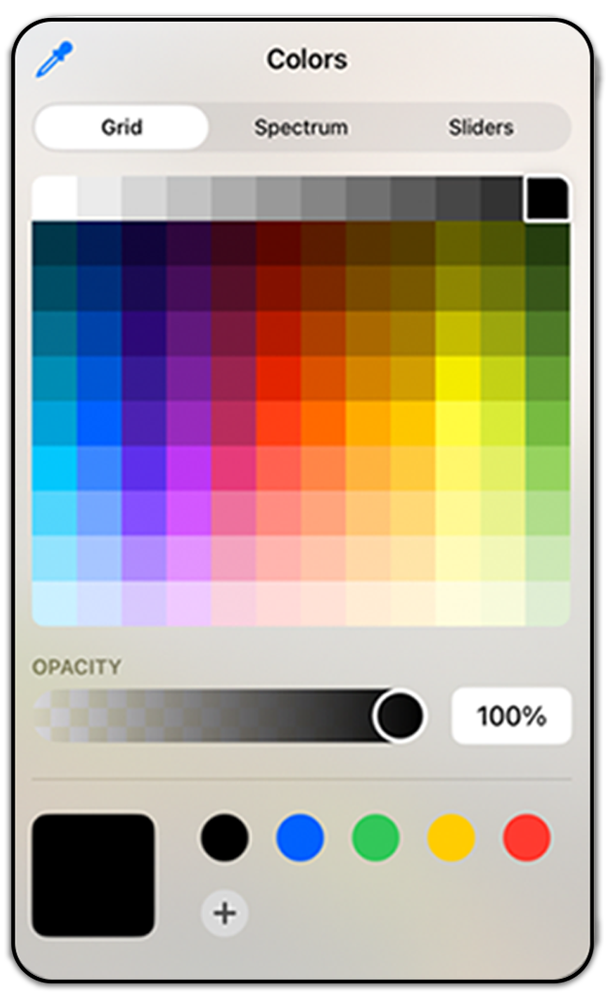
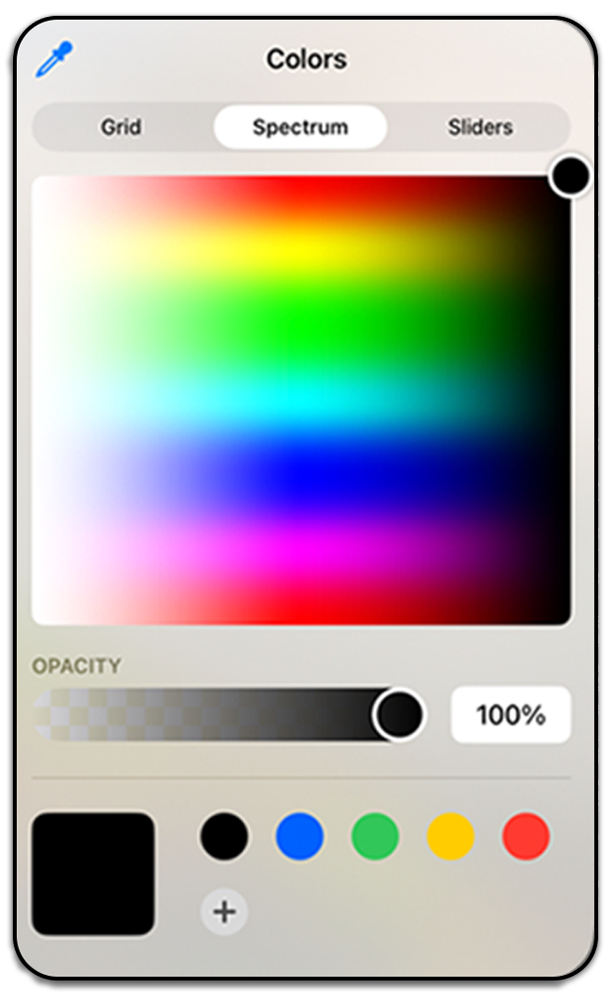
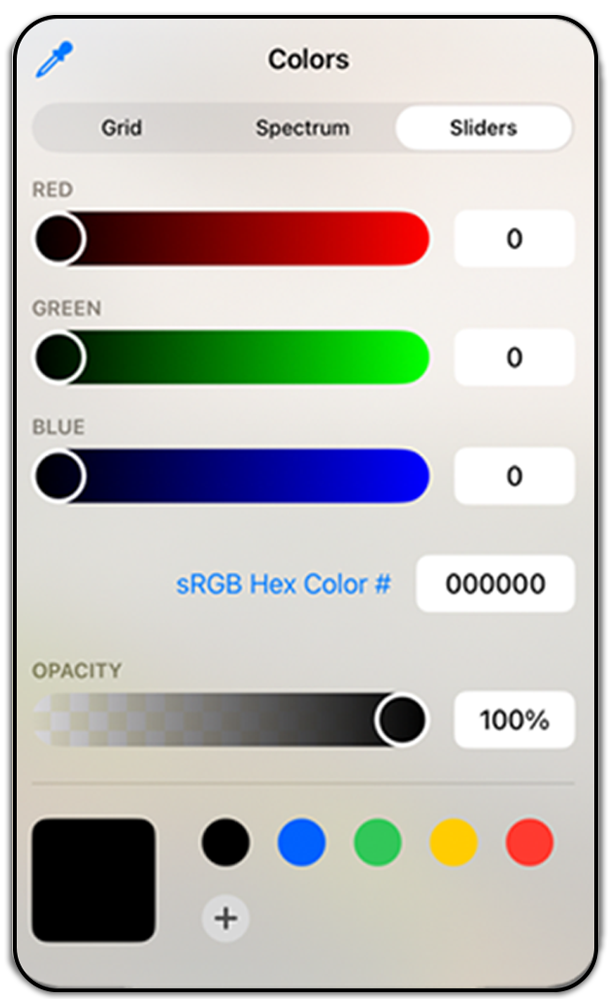
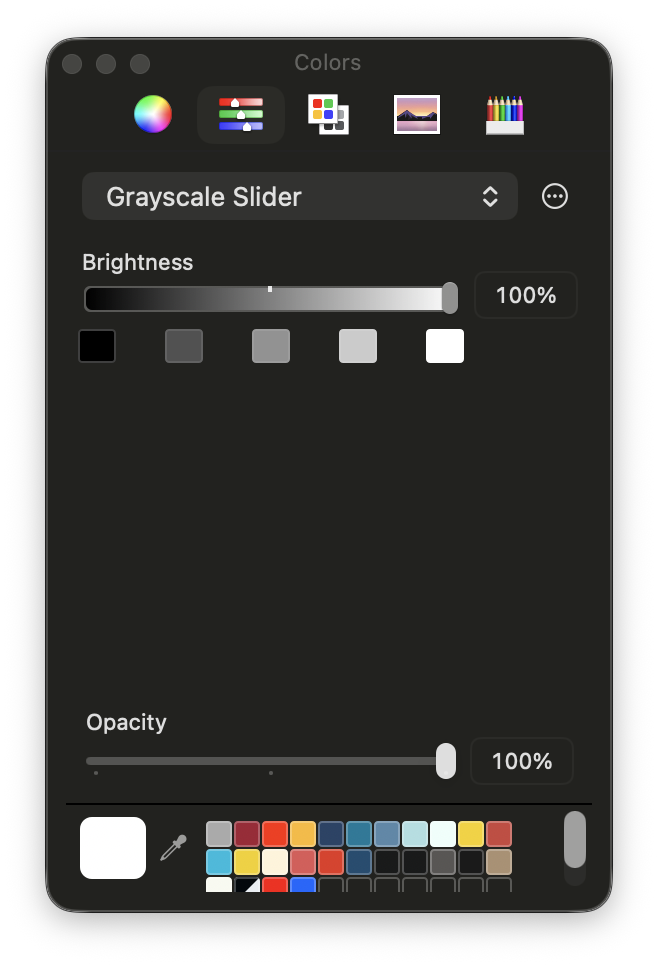
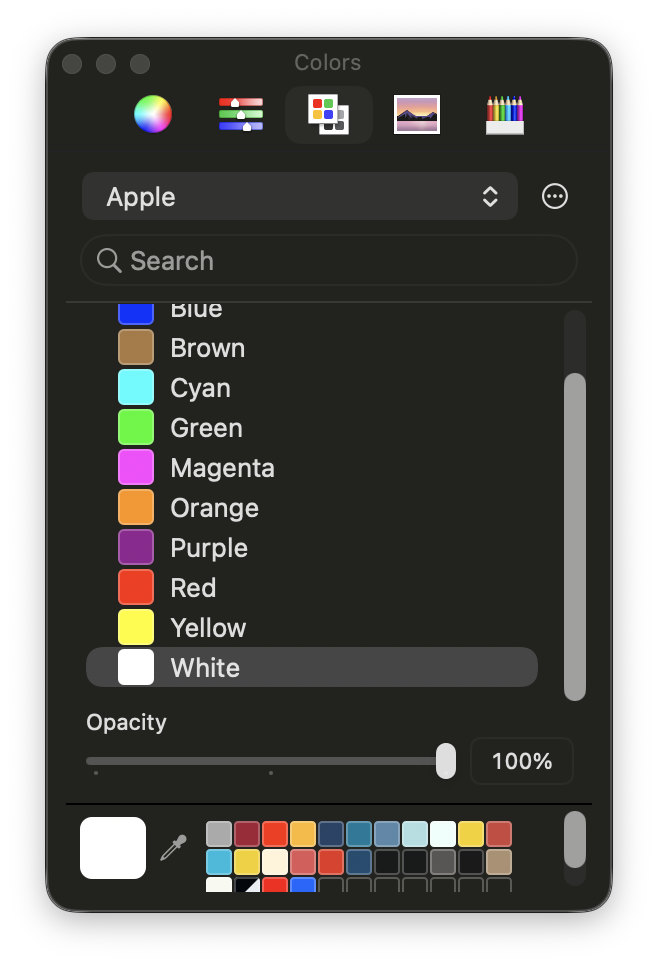
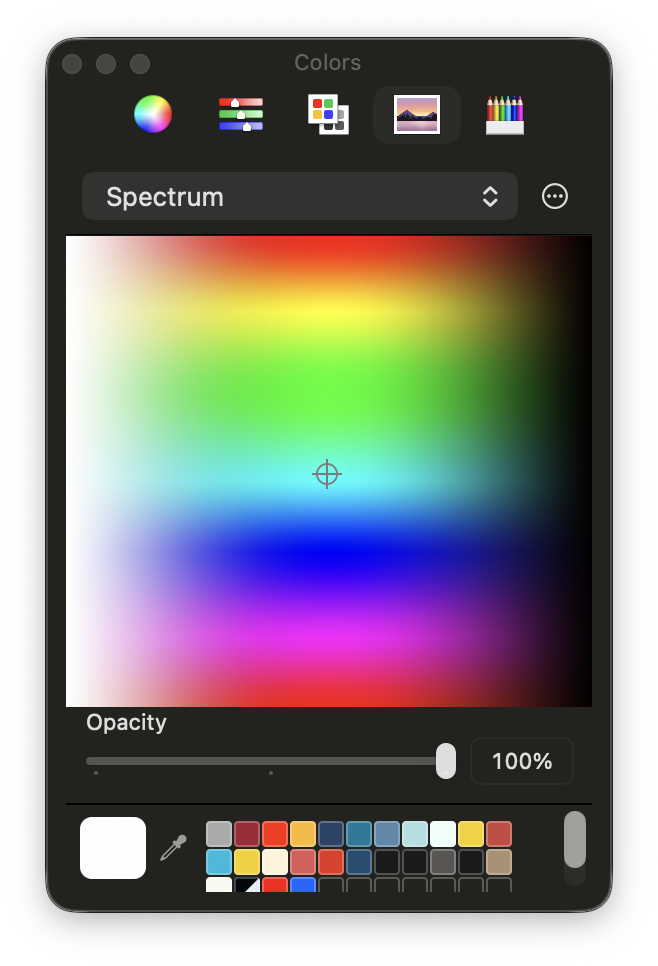
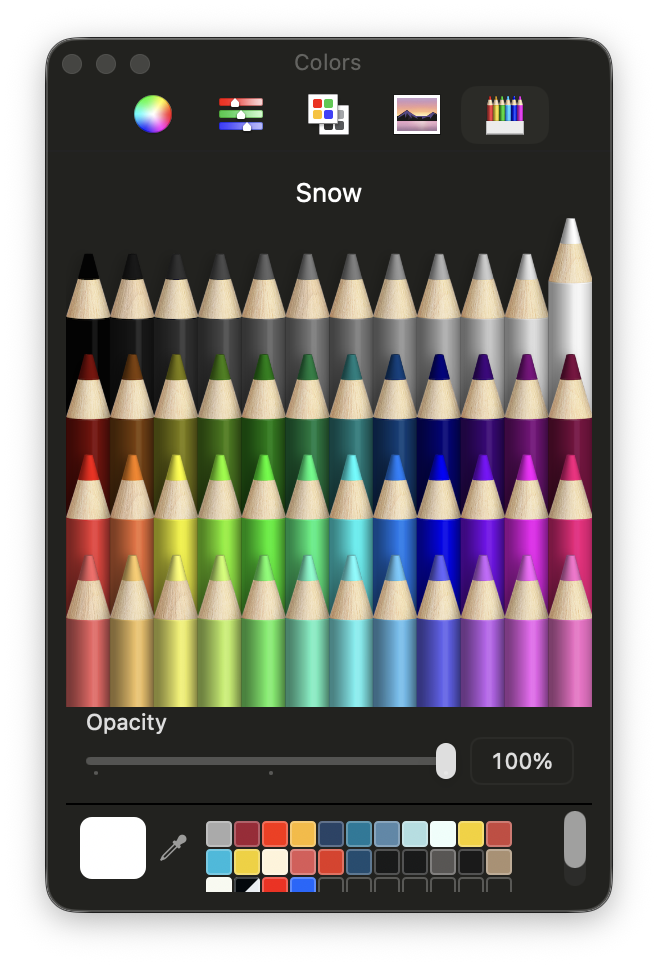
iOS & iPadOS Color Palettes
Grid, Spectrum, Sliders, Eyedropper
There’s no wrong answers here. Use your imagination and creative side to choose the colors best for you

Use the blue eye dropper to choose a custom color
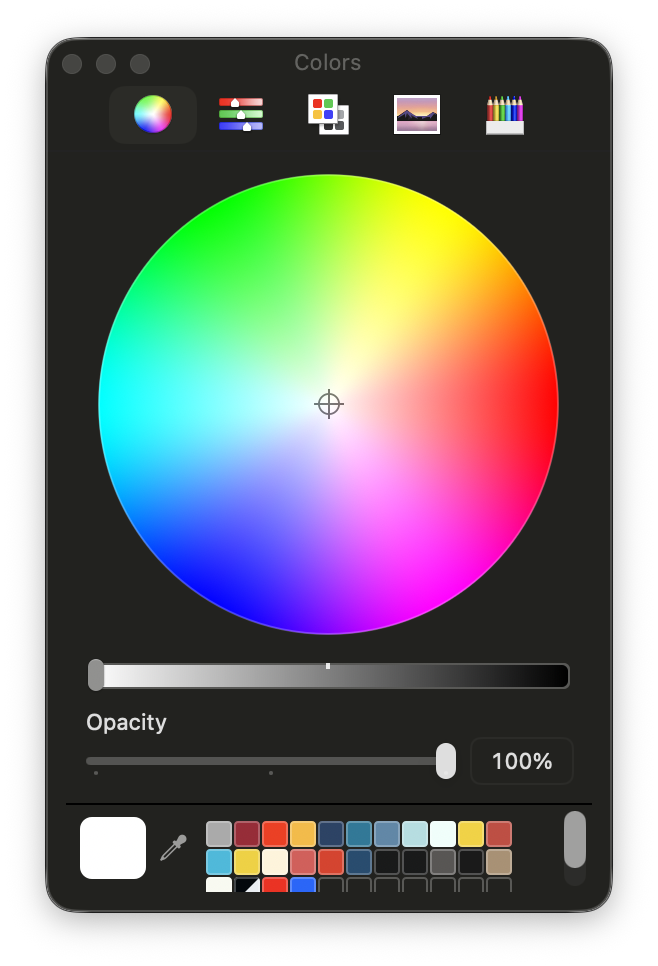
macOS Color Panel (Bonus)
Explain system-wide picker briefly.
Markup Actions & Guides
These tools emphasize style and expression rather than precision.
Add Text
Add Shapes
Stickers & Emojis
Signatures
Image Description (accessibility)
Loupe
Ruler gestures
Pencil settings
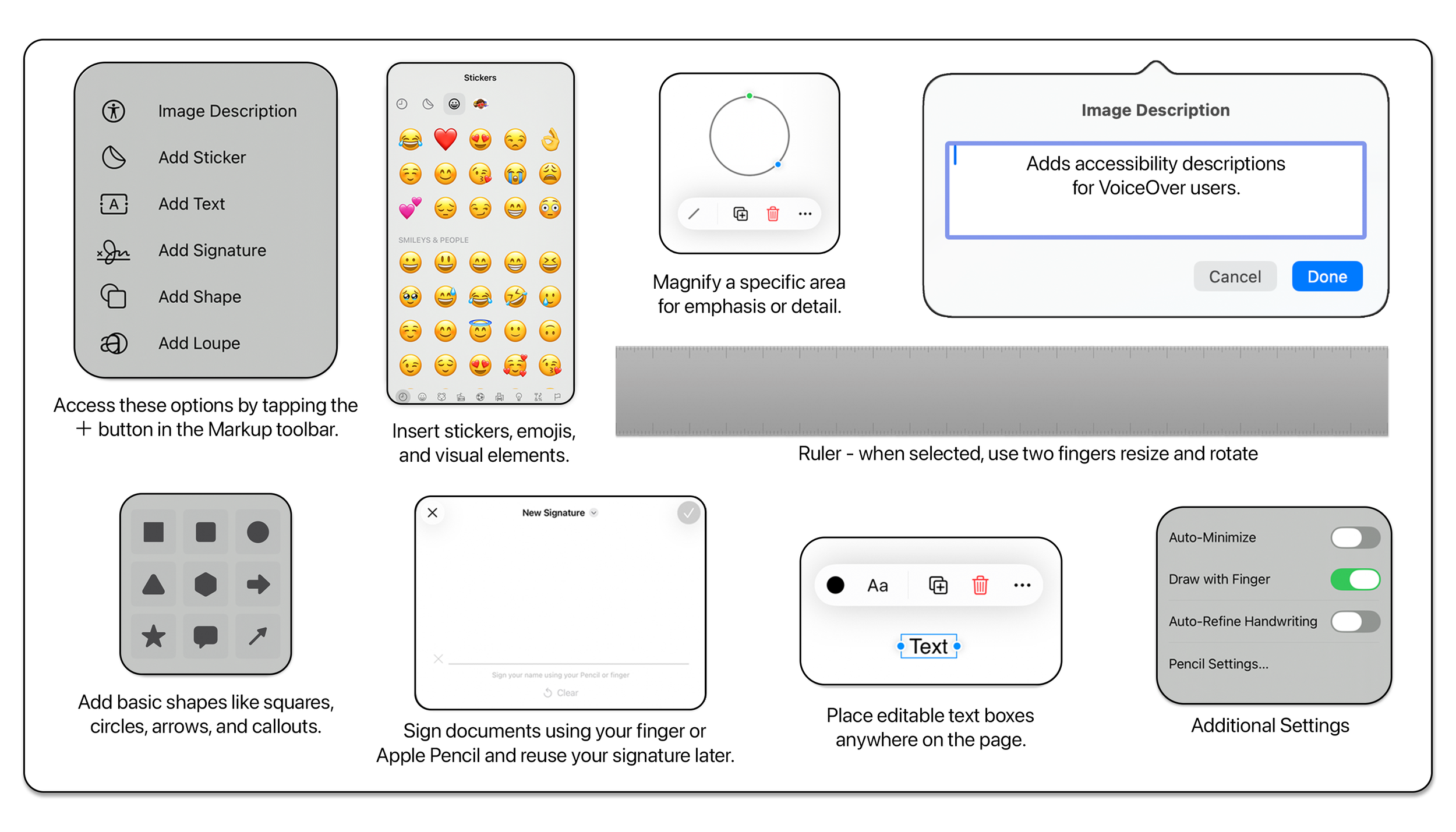
Download the Free Markup Cheat Sheet
Want a printable version?
Grab the Apple Markup Tool Palette – Complete Visual Cheat Sheet (iPhone, iPad & Mac) — free PDF to download.